
Features · Finds
No reply required.
A parent adds links from any shop to a list for one child. The child marks each one Like it or Not for me. One tap, or none.
The usual way
Parent sends a photo of a hat.
Do you like this one?
Read · No reply
A question, an expectation, a decision, and a social response.
Finds
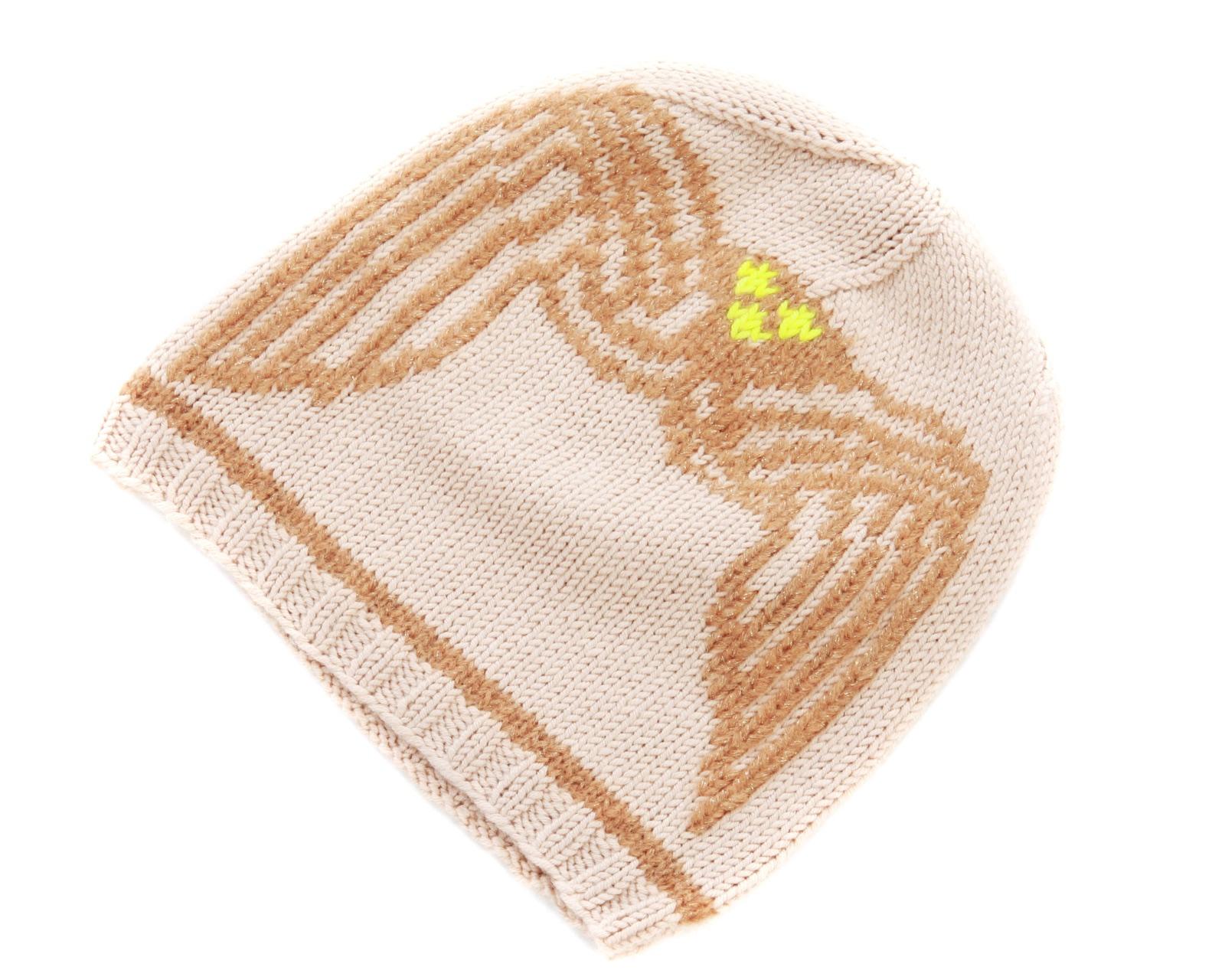
Angel print beanie
shop.example
A choice waiting for the child, whenever they're ready.
What it does
The parent pastes a link from a shop. The picture, the name and the price fill in where the shop's page allows. A list can be anything: clothes, shoes, a bedroom.
The child opens Finds on their side. Each find shows large, with two buttons under it: Like it and Not for me. One tap answers. A second tap takes it back.
One line at the top of the list says who found these, that they see each answer, and that they might buy some.
Why two buttons
Some days, talking is hard. A question asked out loud is a demand. So is a photo sent by text, waiting on a reply.
Finds asks for one tap, whenever the child wants to give it. There is no Maybe, and no box asking why.
What each side sees
- Child
- The picture, the name and the shop. Like it and Not for me. Never the price.
- Parent
- Every answer as a word. The price and the link to the shop. Counts in one line: Like it 4 · Not for me 2 · No answer 7.
A like means the child likes it. Nothing more.
A shopping list
The likes are the shopping list. Buying happens in the shop, not in E Squared.
When something is bought, or no longer wanted, the parent puts it away. It leaves the child's list and waits on the parent's side under Put away.
Nothing to chase
There are no notifications, no sounds and no reminders. When something new is added, the Finds card says how many, in small grey text, until the child opens it. A find left unmarked stays that way, and nothing comments on it.
The parent can't see when an answer was given, or whether the child looked. The dashboard shows only a count of new answers. Answers never become a moment or reach a report. There is no AI in it.
Where to find it
On the parent's side, in each child's notebook, under the wishlist. On the child's side, under Yours, after Wishlist. Tutors and report-only accounts don't see Finds.
They lead. The record follows.
e², as in twice exceptional.